Accelerator
A Patient Engine that adds SCS / RFA consults every month.
Client
Results
One of our client results · April to July 2026
On top of the campaigns, we build the intake, follow up, and reactivation that turn those patients into booked consults and procedures.
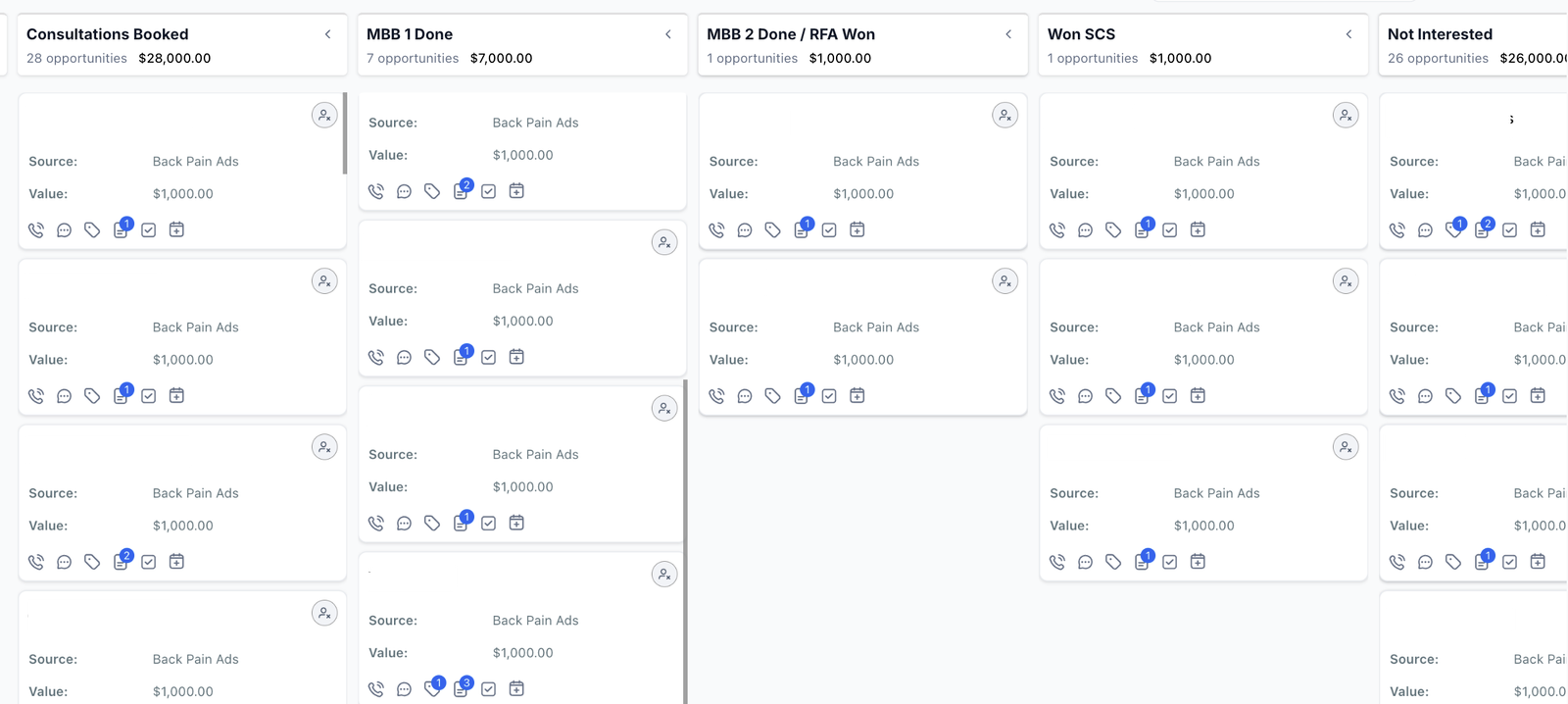
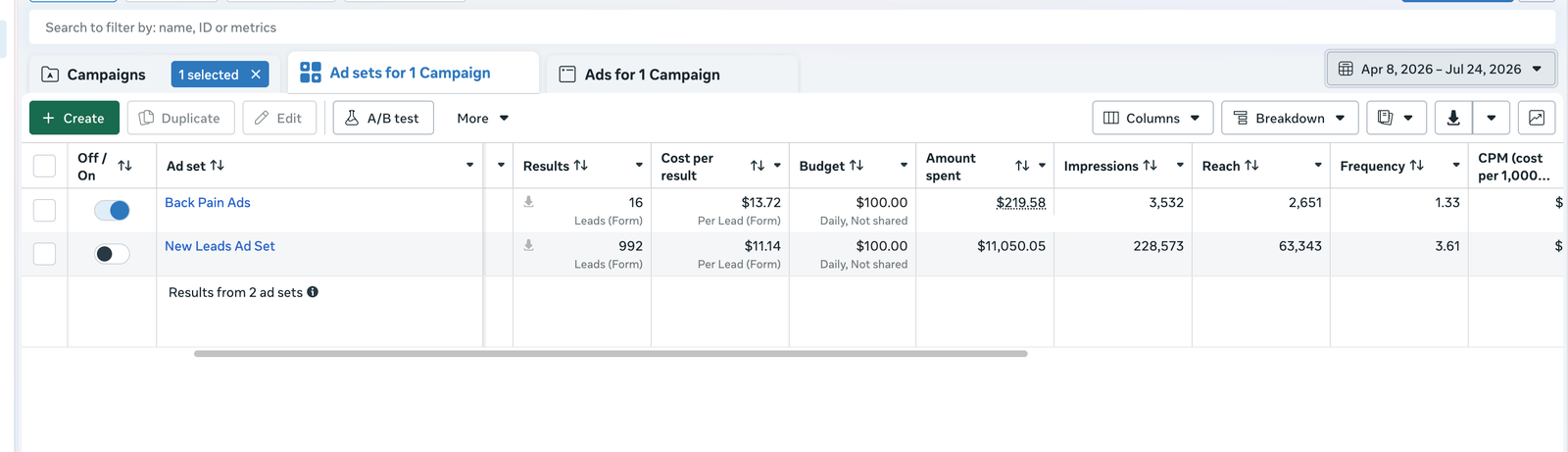
*Names hidden for privacy
Medical Growth.
What a practice typically sees.
Single-location, in 3 to 6 months. Numbers, not promises
*Based on what we see in single-location practices
You pay us after the patients are through the door and the procedures are in process.
Your Patient Engine,
end to end.
Five engines working together so consults and procedures grow even if the channel changes.
Lapsed RFA patients from your EMR back into the schedule.
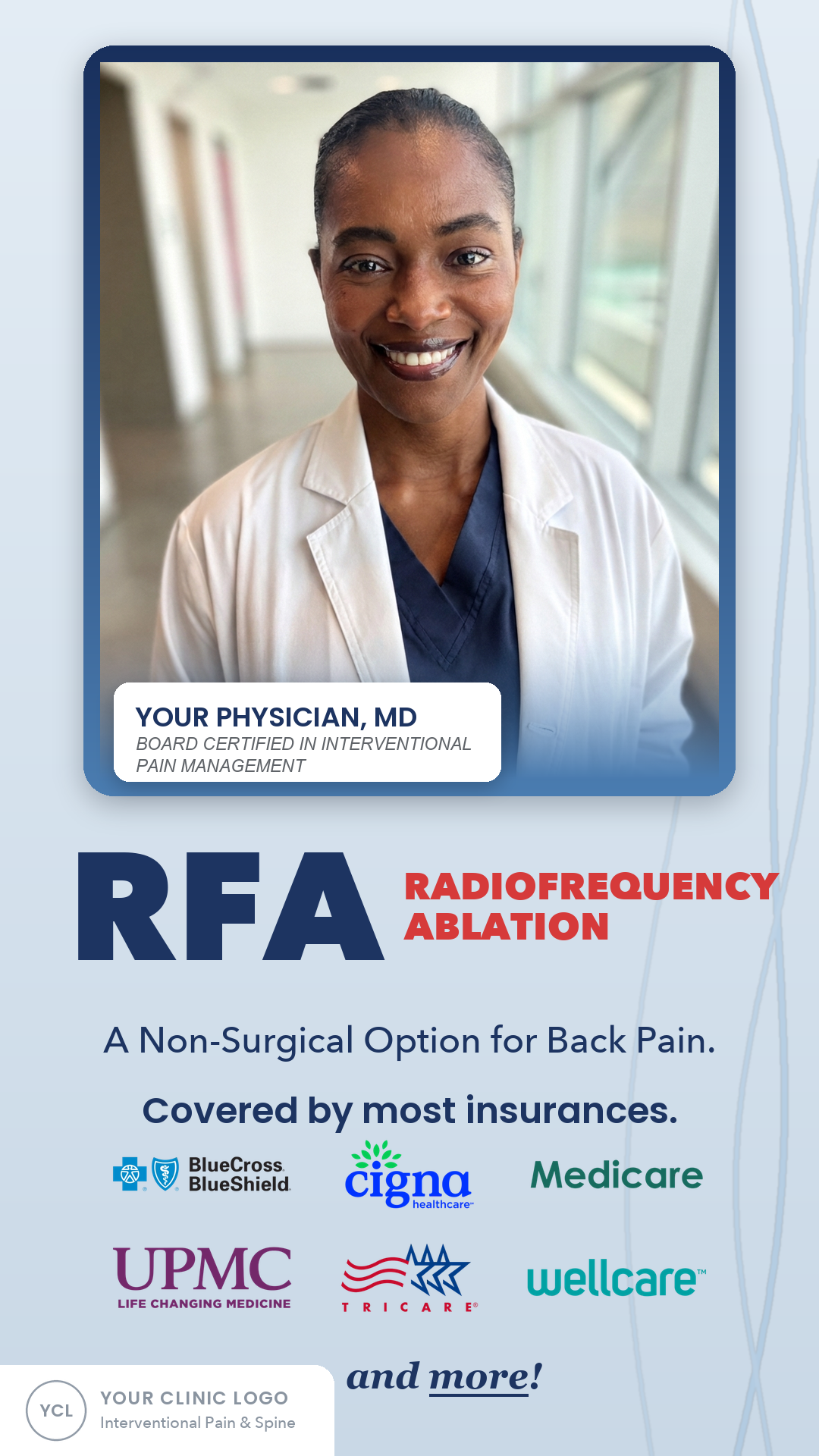
Direct-to-patient campaigns that generate new qualified inquiries.
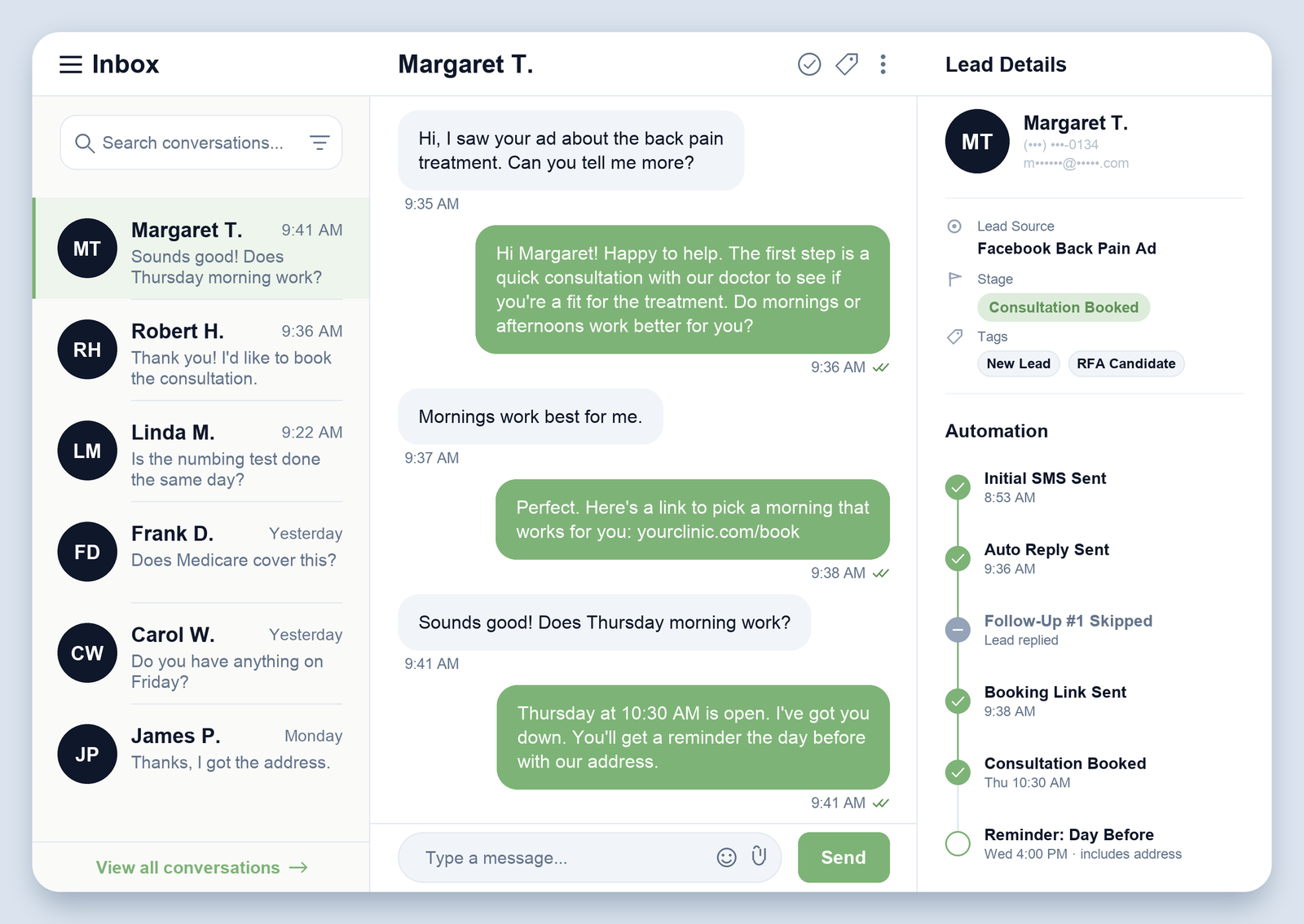
Pain duration, prior care, insurance, and candidacy answered before your front desk touches it.
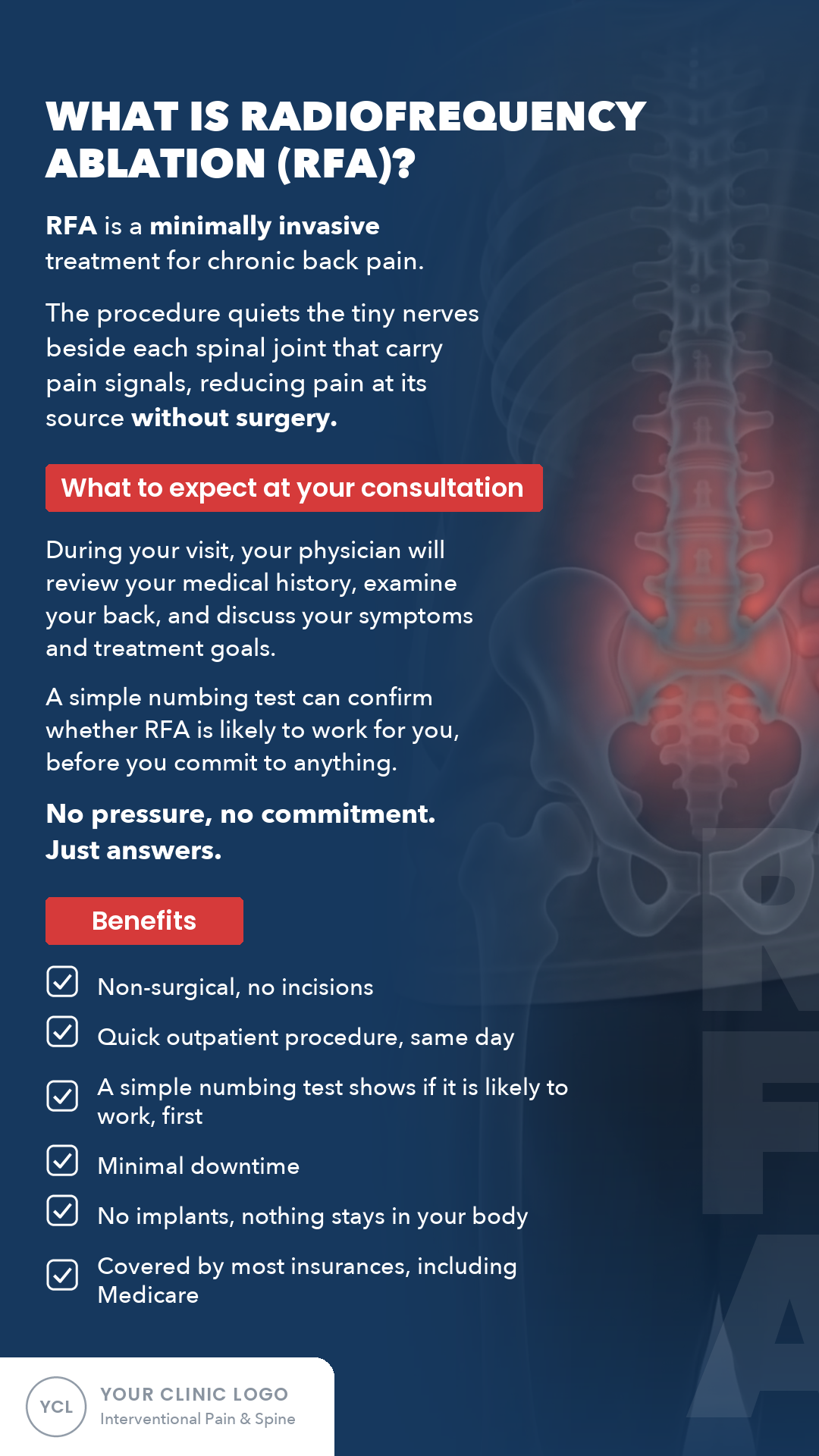
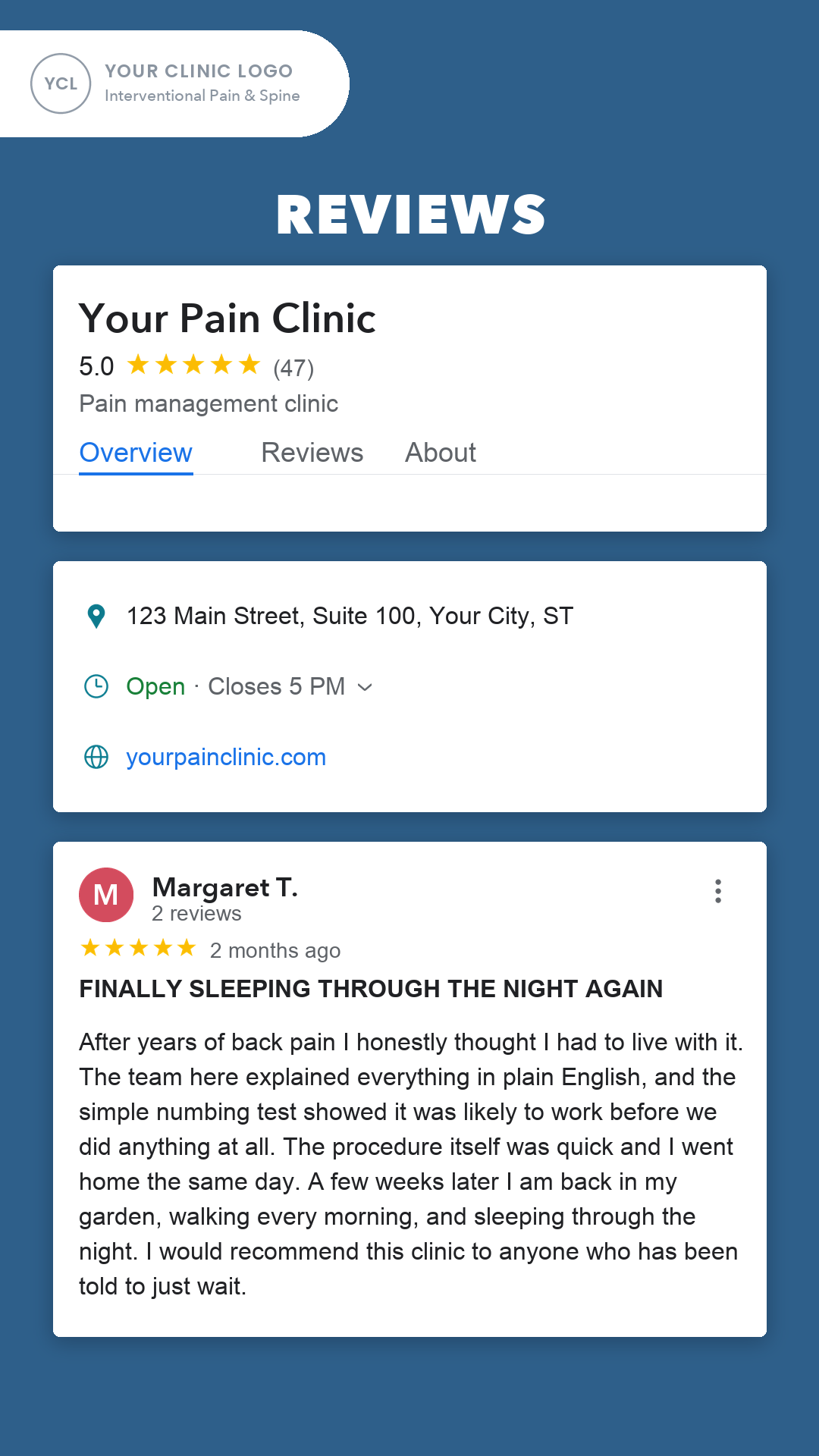
Education and trust so more qualified patients actually show.
Front desk workflows and reminders that turn booked consults into completed visits and procedures.
Static
Ads.

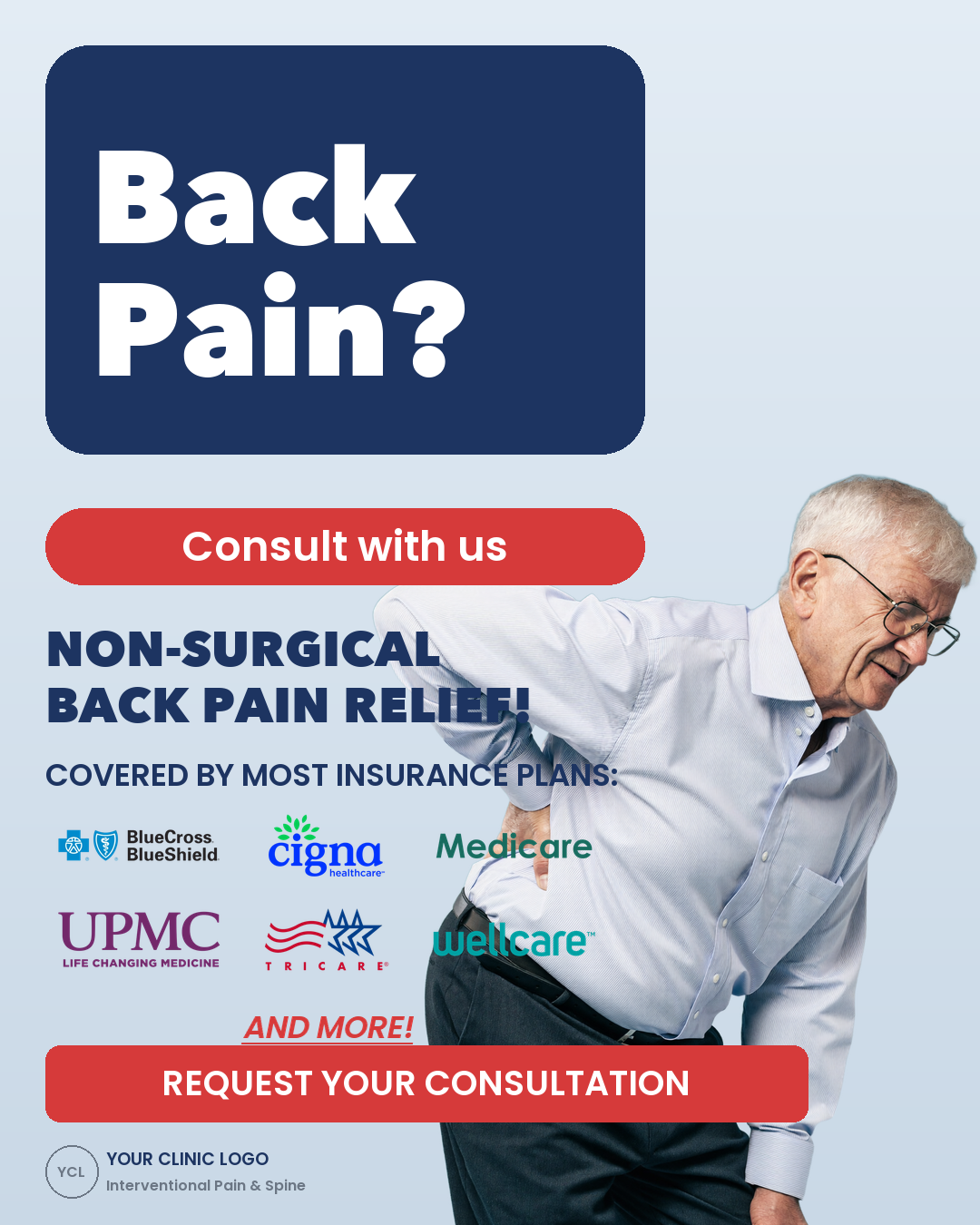


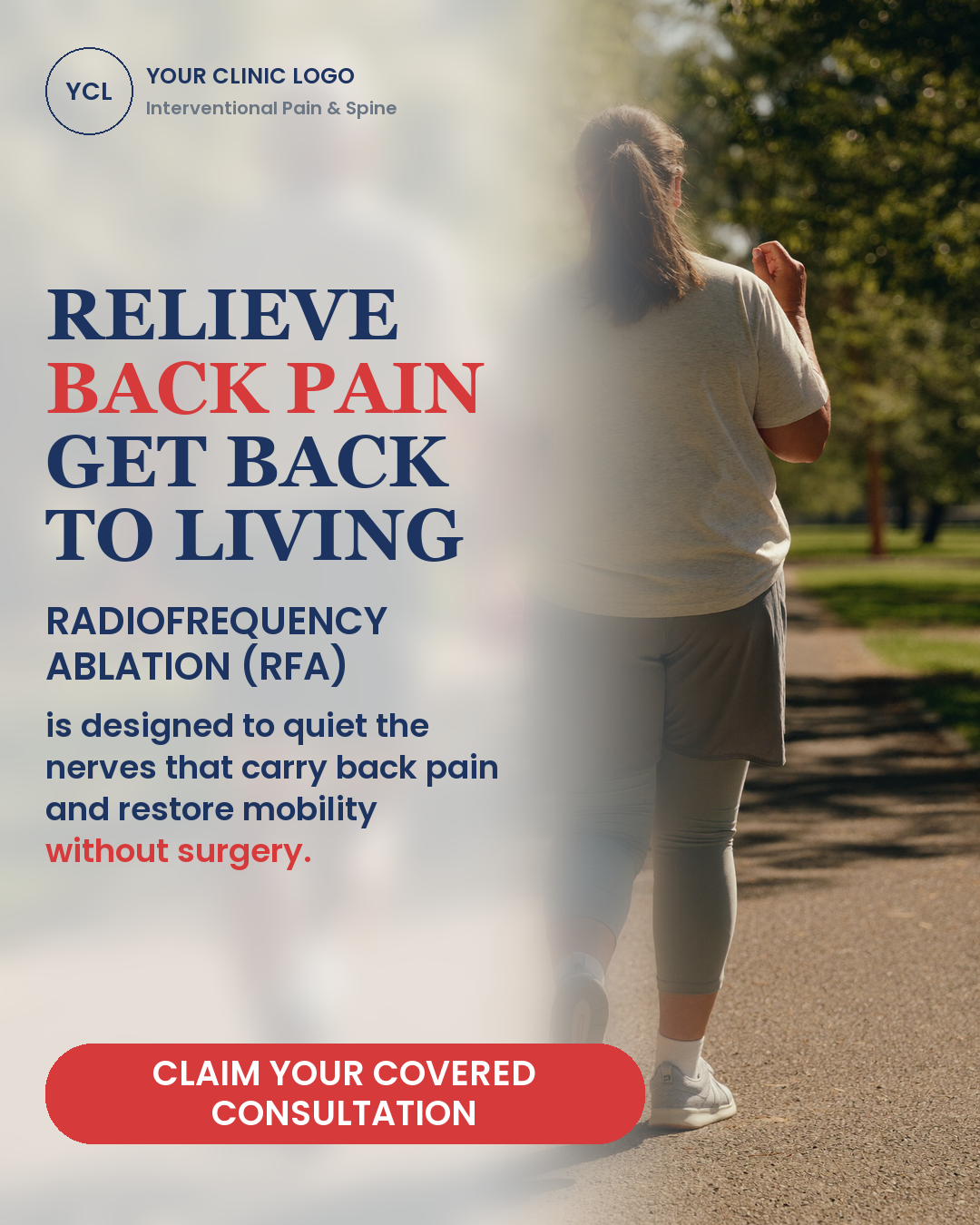
Video
Ads.
Content that generates patients.
Lapsed RFA
Reactivation
Booked procedures from your own EMR, before any ad spend.
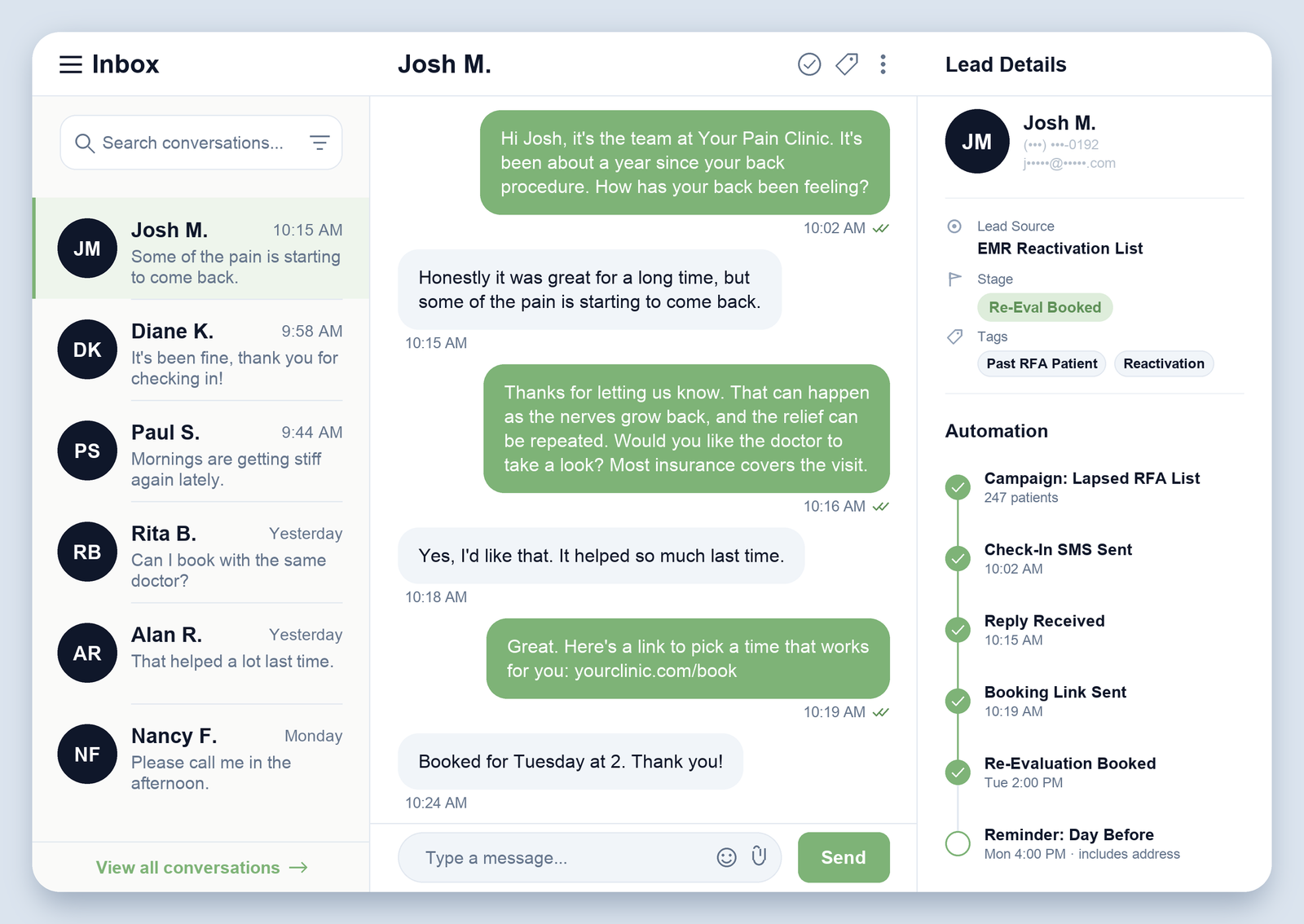
Nurture
Graphics
We nurture your leads so they trust you before they ever come in.
Get patients in the door.
Follow
Up
Get patients in the door
Run Your
Numbers
One slider, conservative math from our own campaign data. Drag it to your spend.
If you spend $3,000 a month on new patient acquisition, at the rates above you would collect about $40,500 a month.
At this spend your consult calendar becomes the constraint, not the marketing. Add consult slots to go higher.
Example: $7,500/month ad spend + $3,000 fee → about 300 qualified patients, 15 added procedures, 6.4x on total cost.
On the call, we'll run your actual numbers with your payer mix and procedure volumes.
Phases
If you decide to move forward after a call, this is the exact 3-phase rollout we follow.
Phase 1: Build the Patient Engine
- Onboarding: access, tracking and intake wired up
- Qualification built: intake, insurance screening, candidacy questions
- Nurture and Follow Up sequences built into your CRM
- Acquisition creative customized to your practice
- Front desk trained on the new flow
Phase 2: Launch the Engine
- Acquisition goes live first, creative tested against each other
- Nurture sequences run for the patients who are not ready yet
- Reactivation follows in month 2: lapsed RFA patients invited back, at zero ad spend
Phase 3: Compound It
- Reactivation and Follow Up campaigns keep running every month
- Setup improvements based on your feedback and what your practice needs
You pay us after the patients are through the door and the procedures are in process.
The Patient Engine
We build and launch
Live in 14 days. Your only cost in this phase is your own ad budget, $150 to $200 a day, paid directly to Meta.
- Static and video ad creative customized to your practice
- SCS / RFA landing pages and patient intake forms
- CRM, dialer and call cadence your front desk works from
- Follow up and nurture system built in
- Front desk trained on the new flow
Patients come through your door
In the first 30 days, we aim to bring you at least 30 new patient consult requests and at least one SCS procedure booked, or four RFA procedure plans, depending on what your practice prioritizes. Tracked where we both can see them from the first day.
The only condition: your front desk calls every patient lead within the first five minutes, on the cadence we set together. We train your team.
Then you pay
$4,000, invoiced only after we hit the goal. That covers the $1,000 build and your first month. From month two, $3,000 a month for running the Engine.
- Flat fee, never per patient: same $3,000 whether you spend $3,000 or $10,000 on ads
- Campaign management and creative refresh every month
- From month 2: reactivation brings your lapsed RFA patients back, at zero ad spend
- One practice per service area, your area stays locked
- One SCS case reimburses $20,000+, covering the build and months of the system
- Run the structure past your counsel; we want this as clean as you do
Book your practice review
You pay us after the patients are through the door. $4,000, then $3,000 a month. Ads live in 2 weeks.
Next step if this makes sense
Hit "Book your practice review" below and pick a time.
We work with one practice per service area. When you come on board, your area locks, and we never run this system for a competing pain practice in it. That's the reserve decision we'll make together on the call.